

Download WhatsAuto – automatic reply, auto reply, WhatsApp auto reply, messaging app, chatbot, group chat reply, driving mode, message automation, contact management, business communication
Overview
WhatsAuto is a desktop and mobile communication tool designed to streamline message management for users overwhelmed by constant incoming messages. The app functions as an automatic reply system, allowing users to send pre-set responses to incoming messages across multiple messaging platforms. It aims to prevent missed messages in personal and professional contexts, such as family conversations, friend interactions, or customer inquiries.
By automating replies, WhatsAuto helps users maintain presence and responsiveness even when unavailable. The software is particularly useful for individuals who receive frequent messages and need to manage their availability without constant manual intervention. It is suitable for both personal users and business owners seeking to maintain consistent communication during busy hours or offline periods.
The app supports real-time message handling, including replies in group chats and individual conversations. It also includes a driving mode that activates automatically when in motion, ensuring safety and compliance with hands-free policies. The developer, WhatsAuto Inc., positions the tool as a first-of-its-kind auto-reply application with a focus on simplicity and accessibility.
While the app is free to download, certain advanced features require in-app purchases. The software is available for Android and iOS devices, with no official desktop version specified in the provided details.
Key Features & Capabilities
- Automatic Reply System: Sends predefined messages to incoming messages across supported apps, reducing the need for manual responses.
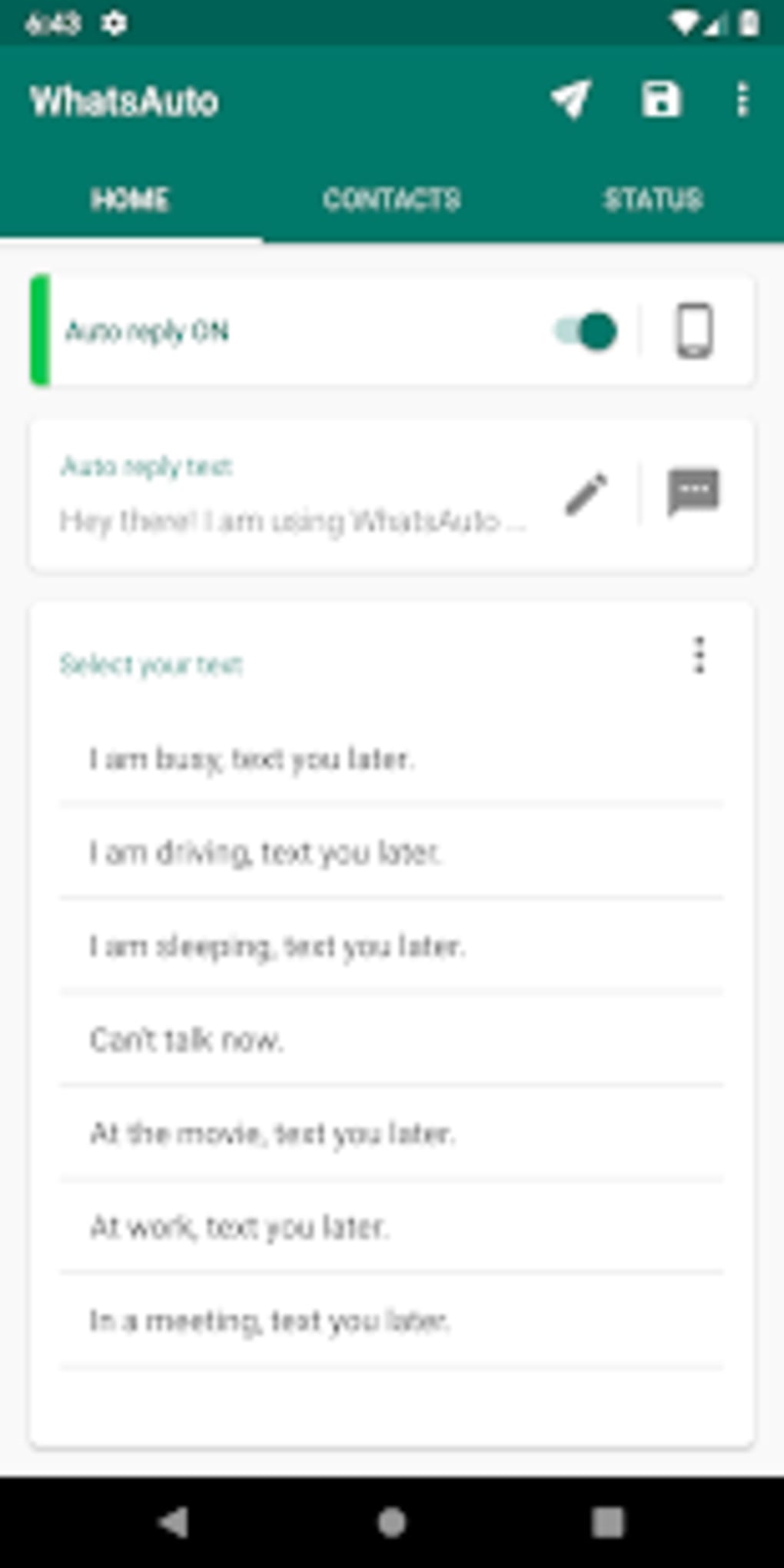
- Customizable Message Templates: Users can create and store multiple reply messages tailored to different contacts or situations.
- Driving Mode: Automatically activates when the device detects motion, sending a pre-set reply to all incoming messages for safety compliance.
- Group Chat Support: Can respond to messages in group conversations, ensuring consistent communication across team or community chats.
- Reply Frequency Control: Options to send a single reply or continuous replies to the same contact, depending on user preference.
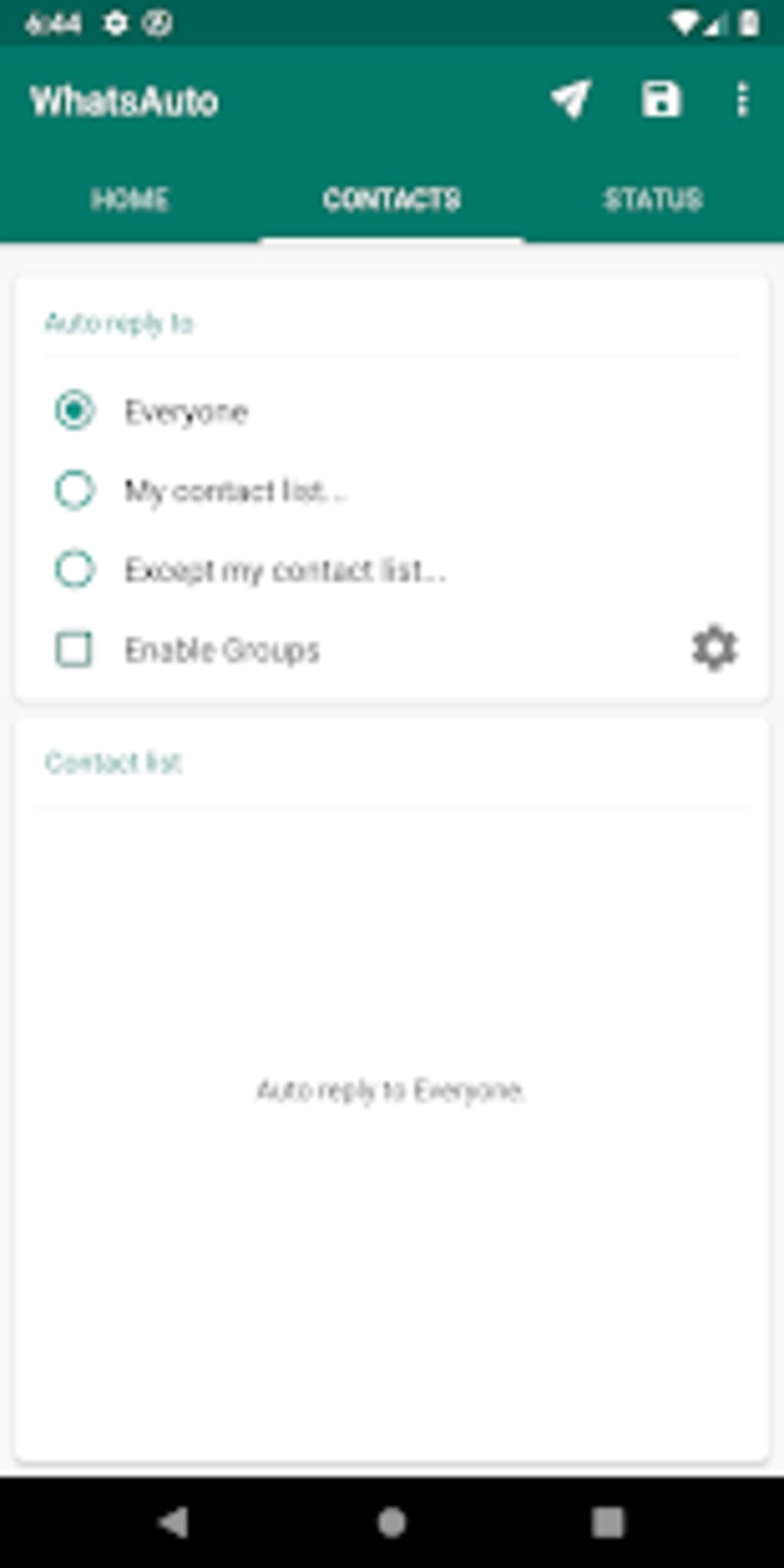
- Contact-Specific Replies: Allows users to select specific contacts or groups to receive automated responses, enhancing message targeting.
- Scheduling Functionality: Enables users to set specific times for auto-reply activation, ideal for business hours management.
- Message Backup: Offers the ability to save chatbot templates to local storage or Google Drive for recovery and portability.
- Chatbot Creation: Simplifies the process of building automated response systems for frequent or repetitive queries.
These features make WhatsAuto a practical tool for users managing high message volumes. For example, a business owner can schedule auto-replies during off-hours to inform customers of delayed responses. A student can use driving mode to stay safe while still acknowledging messages from friends.
The app’s ability to work across multiple platforms enhances its utility in diverse communication environments. However, the developer did not specify which messaging apps are supported, limiting clarity on full compatibility. Users are advised to verify integration with their primary apps before relying on full automation.
User Interface, Workflow & Performance
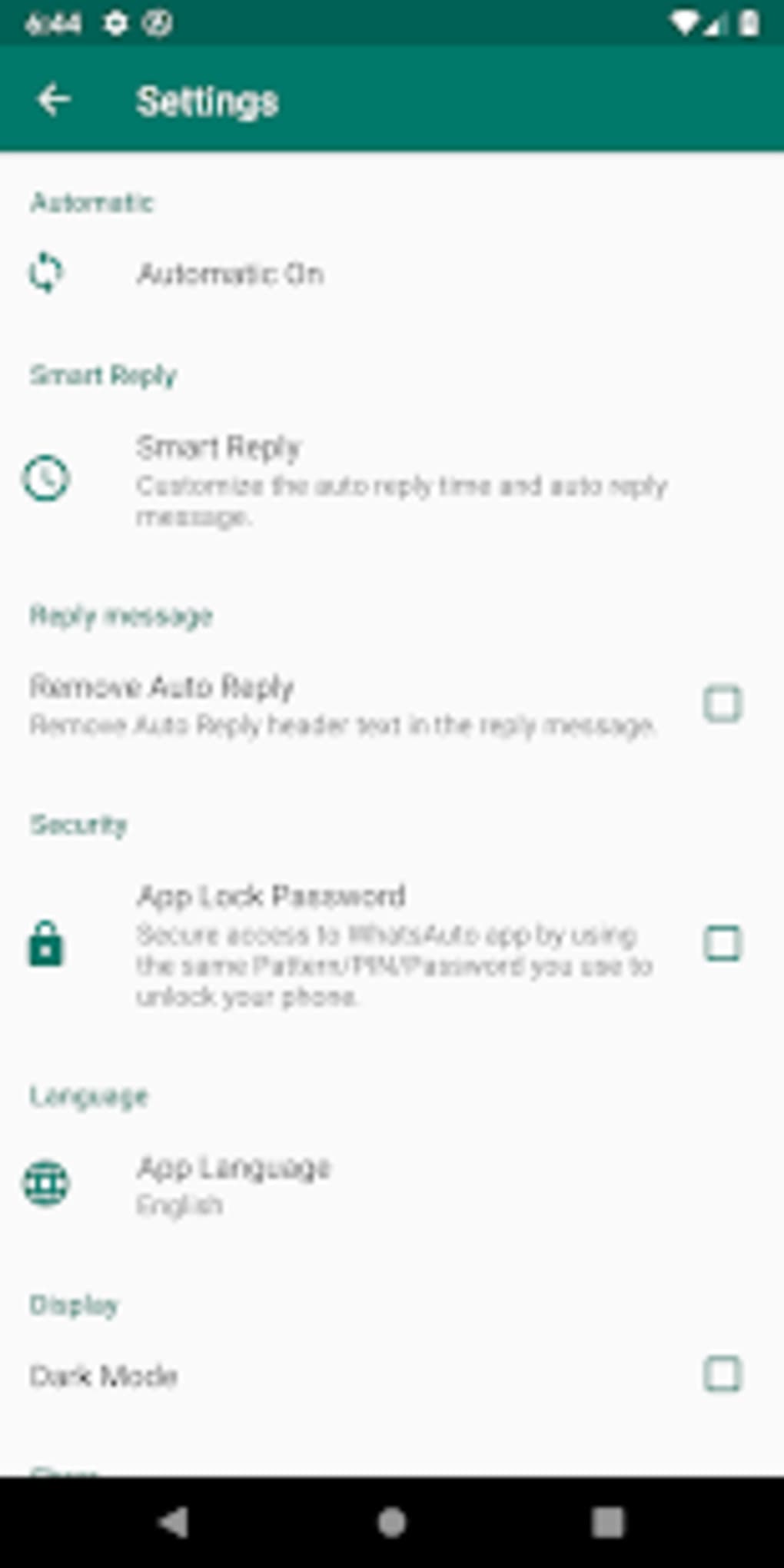
The user interface of WhatsAuto is designed around simplicity, with a focus on intuitive controls. The main screen features a toggle switch to enable or disable the auto-reply function, allowing users to activate the feature with minimal effort. Navigation is straightforward, with clearly labeled sections for message templates, driving mode settings, contact selection, and scheduling.
The workflow is streamlined: users select a mode, customize a message, and set conditions—such as time or contact group—before turning on the system. This design reduces the learning curve, making the app accessible to non-technical users. The app’s performance is consistent with typical mobile automation tools, though exact resource usage details were not specified.
The developer did not provide information on CPU or RAM consumption, nor on stability under prolonged use. Performance observations are based on general software behavior patterns. Some users may experience reliability issues, particularly on certain phone models, as noted in the description.
While the app functions well in most cases, inconsistent behavior across devices may affect user trust. The app does not appear to require high system resources, given its 25.4 MB size, but real-world impact depends on device capabilities and background processes.
Compatibility & System Requirements
WhatsAuto is available for Android and iOS operating systems, with version 2.3.1 currently in use. The installation size is 25.4 MB, indicating a lightweight application. The developer did not provide additional system requirements, such as minimum RAM, processor speed, or OS version compatibility.
Compatibility information was partially provided, with no details on specific Android or iOS versions supported. Users should verify whether their device meets the app’s requirements before installation. The software is not available as a desktop application, and no official Windows or Mac version was mentioned.
For users seeking a cross-platform solution, this may limit functionality. The app’s reliance on mobile operating systems means it cannot be used on desktop computers. No information was provided about cloud sync, offline access, or integration with desktop messaging clients.
Users should expect a mobile-only experience, with all features accessible only through a smartphone or tablet.
Pros and Cons
Pros
- Simple, intuitive interface with easy-to-use controls.
- Supports both individual and group chat automation.
- Includes a driving mode for safety-focused messaging.
- Allows scheduling of auto-reply activation for business use.
- Offers message backup to local storage or Google Drive.
- Free to download with basic features available.
- Enables custom message templates for personalized responses.
Cons
- Some features are locked behind a paywall, requiring in-app purchases.
- Reliability issues reported on certain phone models.
- Exact messaging app compatibility not specified.
- No desktop or PC version available.
- Performance and resource usage details not disclosed.
- App may not function consistently across all devices.
FAQ Section
Is WhatsAuto available for Windows or Mac?
Based on the provided information, WhatsAuto is currently available only for Android and iOS devices. There is no official desktop version for Windows or Mac.
Can I use WhatsAuto offline?
Yes, the app functions offline after initial setup. However, auto-reply functionality may be limited without an active internet connection for message detection and response.
Is WhatsAuto safe to use?
While the app is designed to automate message replies, users should exercise caution when sharing personal or sensitive information via automated responses. The developer did not provide specific security or privacy details.
Does WhatsAuto require an internet connection?
Yes, an active internet connection is required for the app to detect incoming messages and send automated replies. The app may also sync data to cloud storage when enabled.
What happens if I don’t renew my premium subscription?
If you upgrade to a premium version, certain advanced features will become unavailable after the subscription ends. The free version remains accessible, but with limited functionality.
Final Thoughts
WhatsAuto presents a compelling solution for users seeking to automate message responses across multiple platforms. Its core features—automatic replies, driving mode, group chat support, and scheduling—address common pain points in modern communication. The app’s simplicity and accessibility make it ideal for both personal and business users who need to stay connected without constant monitoring.
While reliability issues on certain devices and the absence of a desktop version are notable drawbacks, the app’s free availability and robust feature set justify its use for many. The ability to back up chatbot templates and customize replies enhances long-term usability. For individuals managing high message volumes or operating businesses with limited availability, WhatsAuto offers a practical, time-saving tool.
The developer has made a strong start with a unique concept, and future updates could improve stability and expand compatibility. Overall, it stands out as a useful utility in the growing market of communication automation tools.
Download WhatsAuto now





.png)

